Features
These are the main tools Value Study provides for working with values in your references.
Value Selector
Interactive value scale with +/- controls to adjust value count and click to highlight matching values.

Shape Simplification
Reduce your image to 2, 3, 4, or more distinct values.

Histogram
Visualize the distribution of values in your image.

Grid Overlay
Add compositional grids to help with proportions and placement.

Toggle Outlines
Show or hide outlines to see shapes more clearly.

Eyedropper
Tap any part of your image to see its exact value percentage.

Toggle Color
Switch between full color and grayscale to focus on values.

Flip Image
View your image horizontally flipped to catch compositional issues.
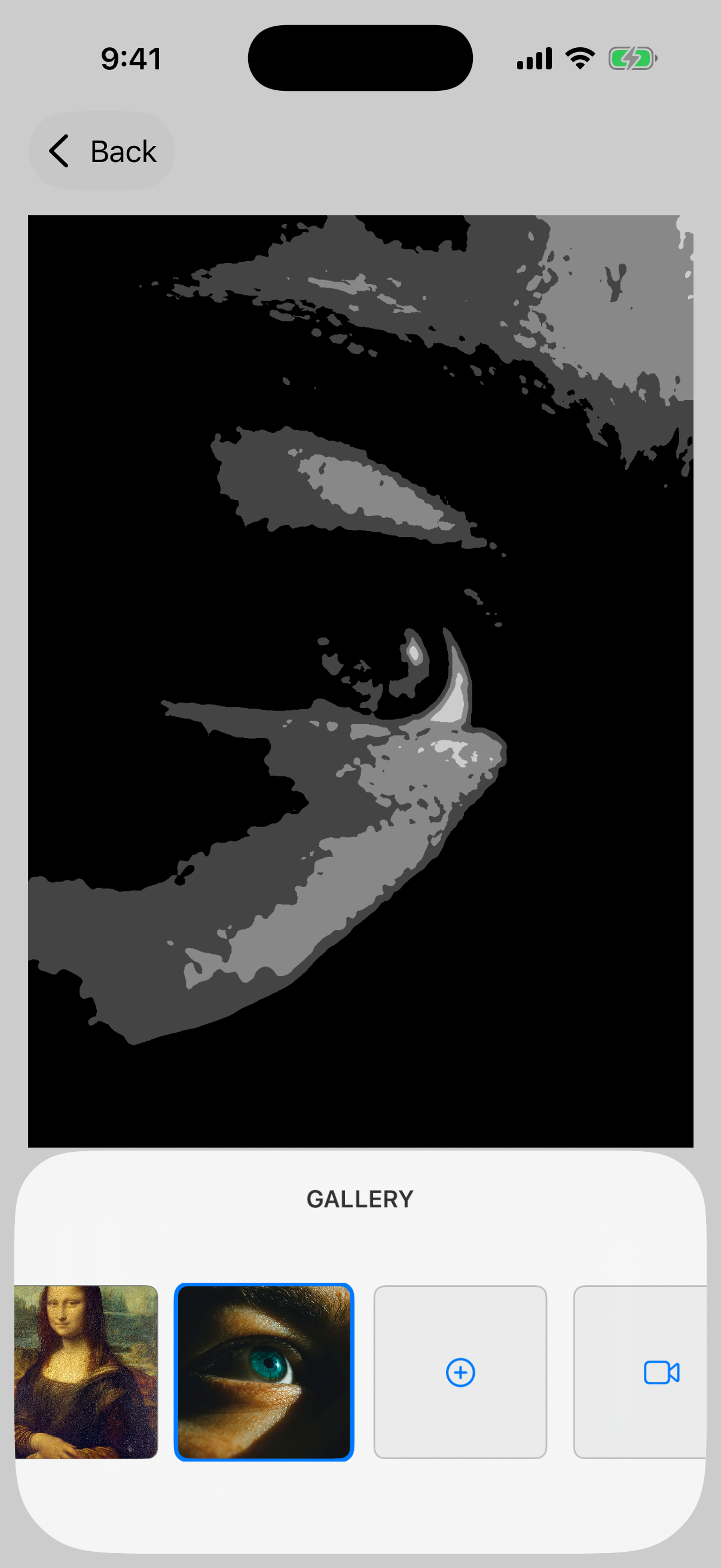

Gallery
Access and manage your saved value studies.
Ready to see differently?
Download Value Study and start training your eye to see values like the masters.
Download Now